
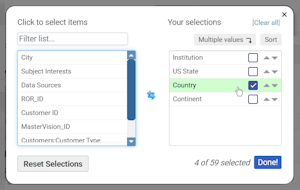
One of the guiding principles behind the design of DataSalon’s products is to make them as customizable as possible to individual preferences, and we’re excited to announce a new feature relating to this.
In both MasterVision and PaperStack, you can now change the search results display to include the fields you find most useful. At the click of a button, you can access a simple interface for adding/removing fields from the display.

You may have long-term preferences for what you want to see in the search results, and these will be remembered even when you log out. But because it’s so easy to reset to the default configuration, it can also be helpful to make changes just for the duration of a specific task. Say, for example, you’re focusing on your current subscribers in the UK. The ‘US state’ field usually included by default will always be empty and the country field will always have the same value – so you may want to replace them with fields from the subscriptions data.
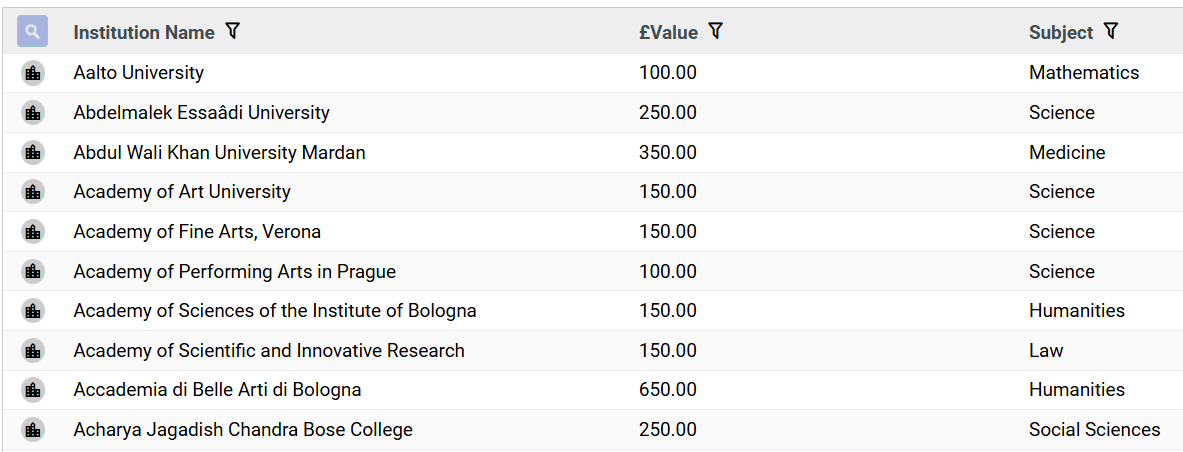
In combination with the recently introduced search filtering, the search configuration feature also provides a straightforward way of creating an export containing the data you need in the format you need – simply filter down the search as required, configure which fields you want to include, and use the export icon to download exactly what you see.
To find out more about this and other features, please get in touch for a product demo.
 The DataSalon Blog